PlaneFacts
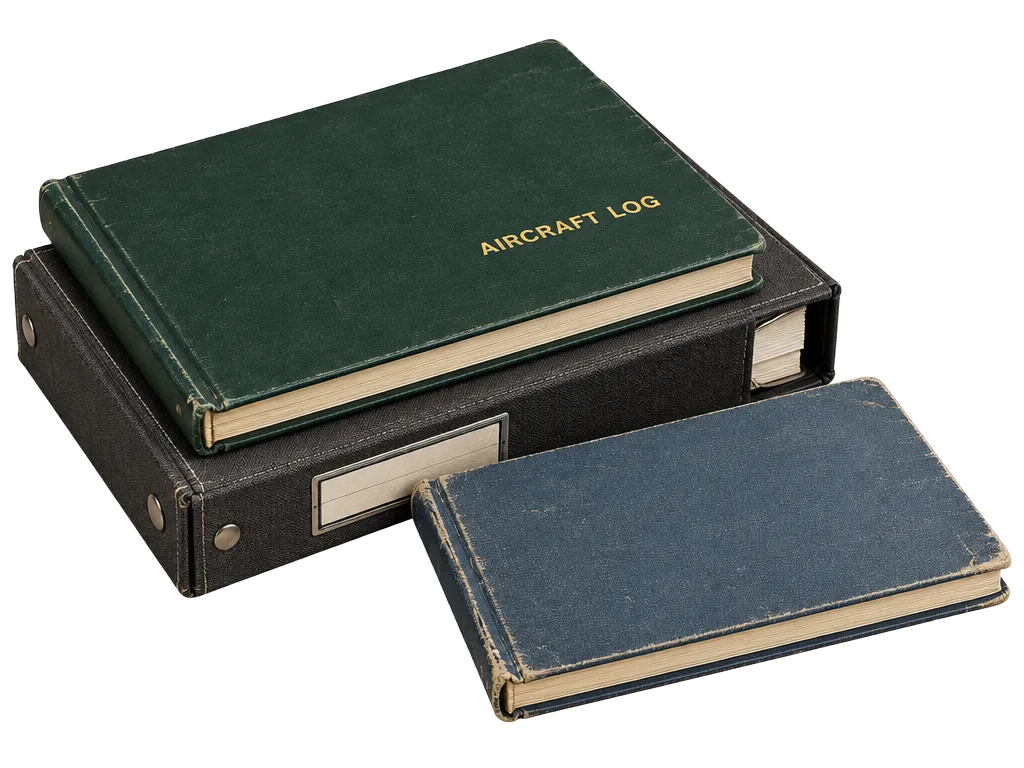
You deserve more than a stack of logbooks.
Aerista makes an airplane’s maintenance history easier to read, with a clear summary and the original logbook entries within reach.
Provided by Aerista · Powered by PlaneFacts™

An asking price tells you only part of the story.
We’ve seen how much work it takes to get to know an airplane from its logbooks, especially when the records are in another language. We wanted to make that part of buying and selling easier. As a buyer, you can narrow your search sooner without ruling out an airplane just because it’s overseas. As a seller, you can reach buyers who might otherwise have passed it over, and they all start with the same picture of your airplane’s history. That’s why we provide PlaneFacts™: so more of the conversation can happen before an offer is on the table.
A clearer view of the airplane’s history.
For buyers
Compare the airplanes on your shortlist by more than price, hours, and photos. Open the maintenance summary right from the listing, without having to request the logbooks first. See what maintenance is documented, what you want to understand better, and which questions to bring to your broker and inspection shop.
For sellers
The work you’ve put into maintaining your aircraft shouldn’t be buried in a PDF. Making it easy to find gives more buyers a reason to take a closer look and gives everyone the same records to work from when questions come up.
From the stack to the story.
Start with the logbooks.
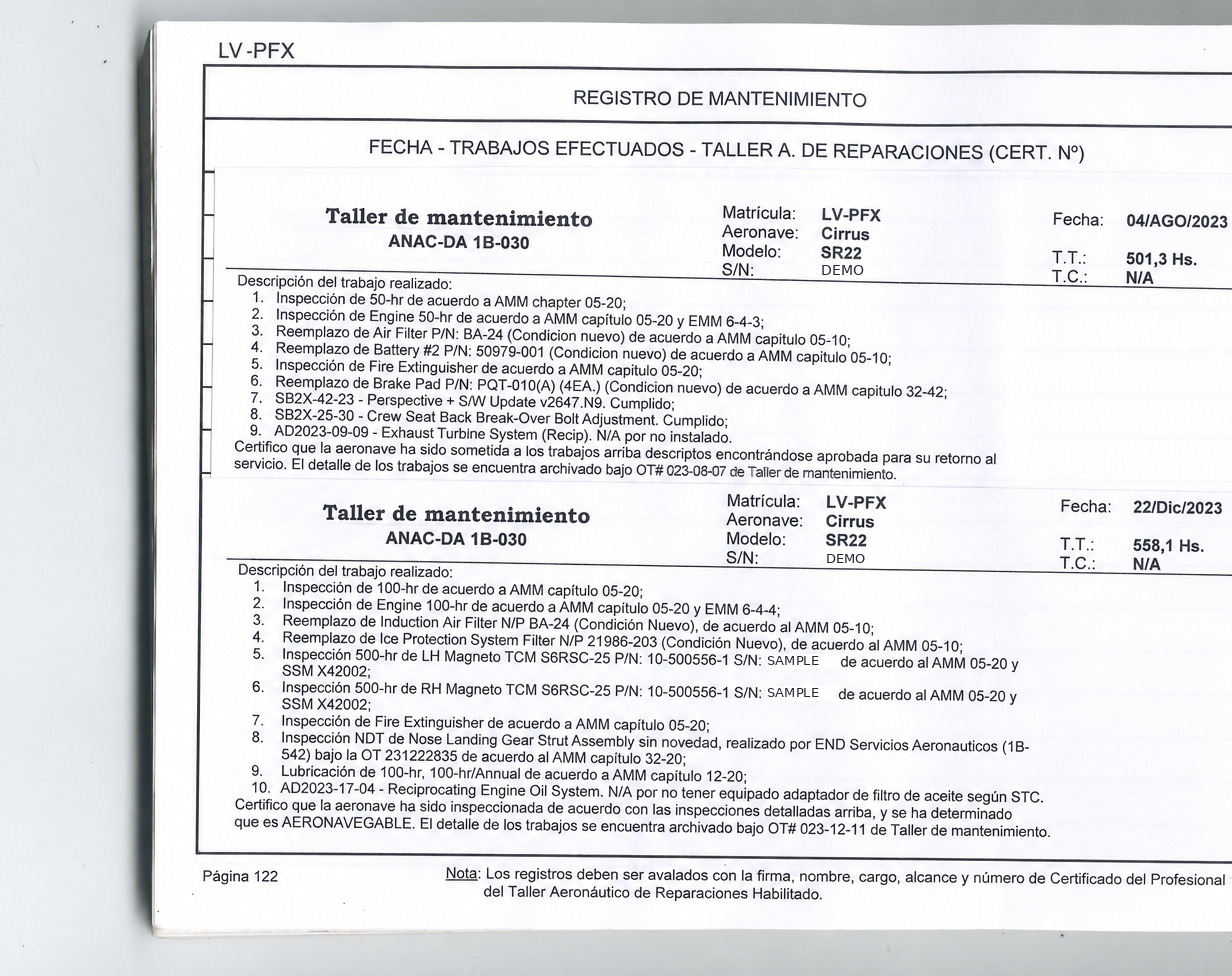
The original logbook entries are there when you want to check a date, a detail, or the exact wording.
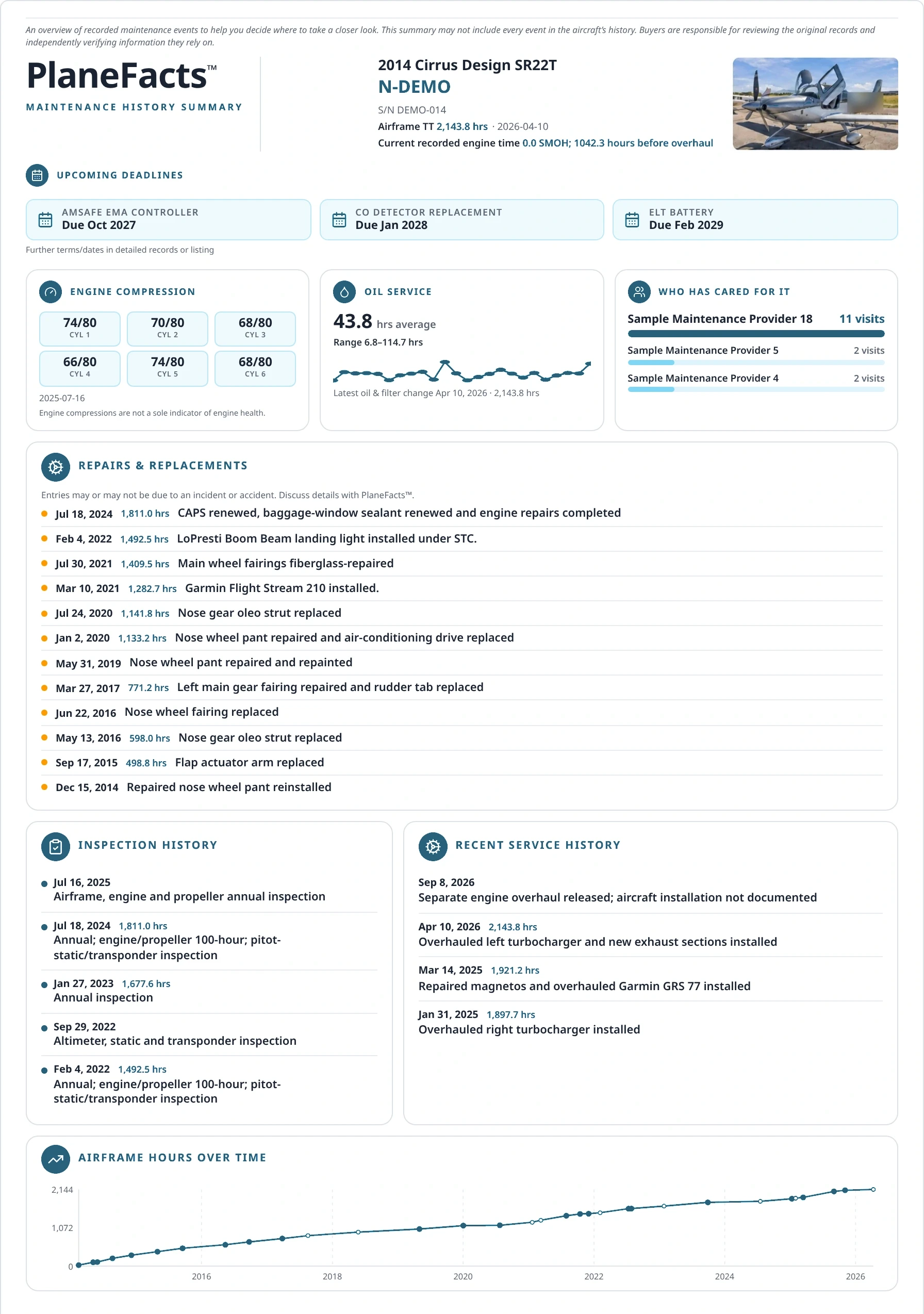
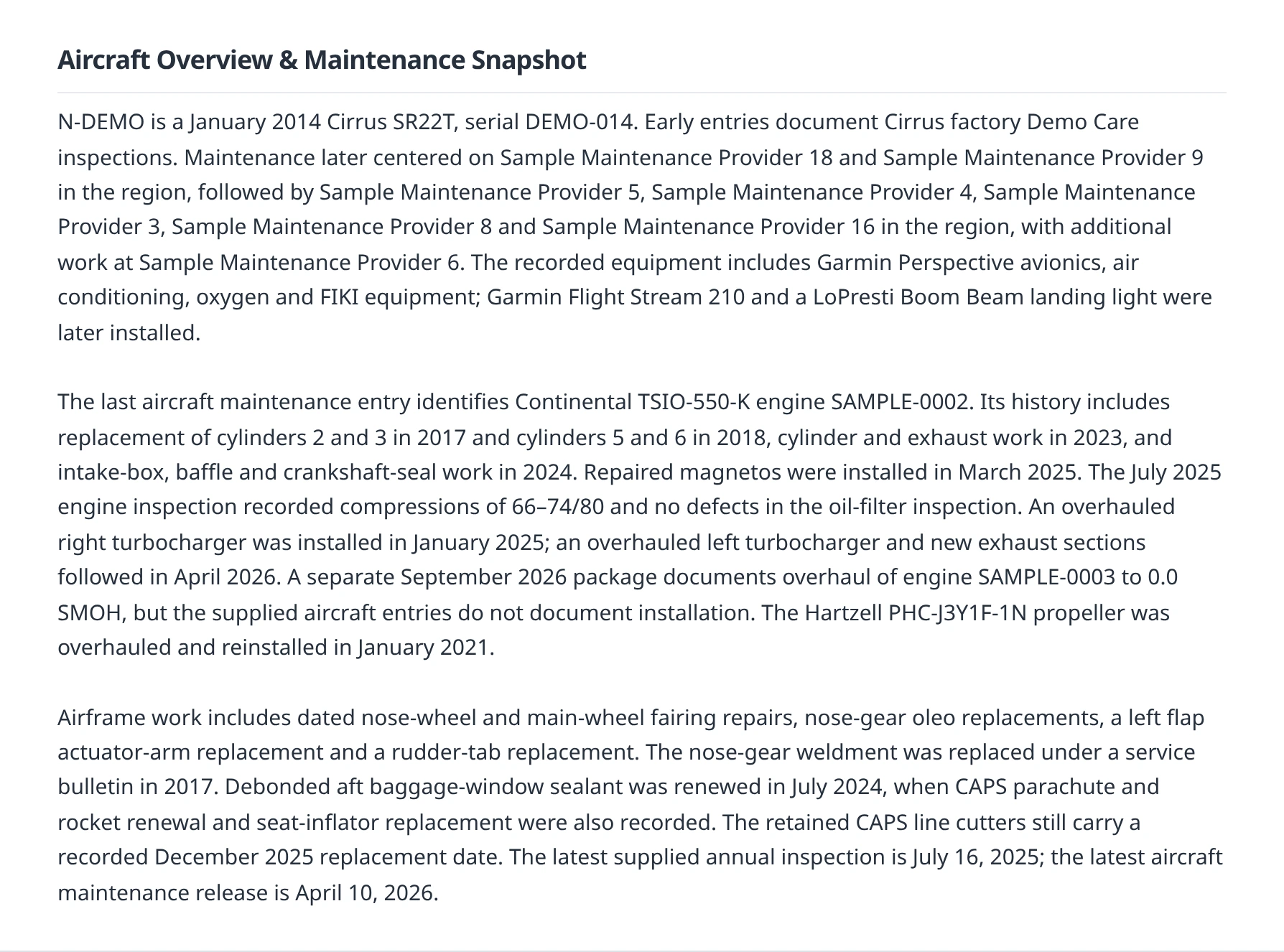
See the maintenance highlights.
Recent inspections, significant repairs and replacements, and component milestones on one page.
Follow the work over time.
A detailed history of the engine, propeller, inspections, and other documented work, with references to the source pages.
See the original records.
Read the entry yourself.
A citation takes you to the original entry, where you and your mechanic can see exactly what was recorded.
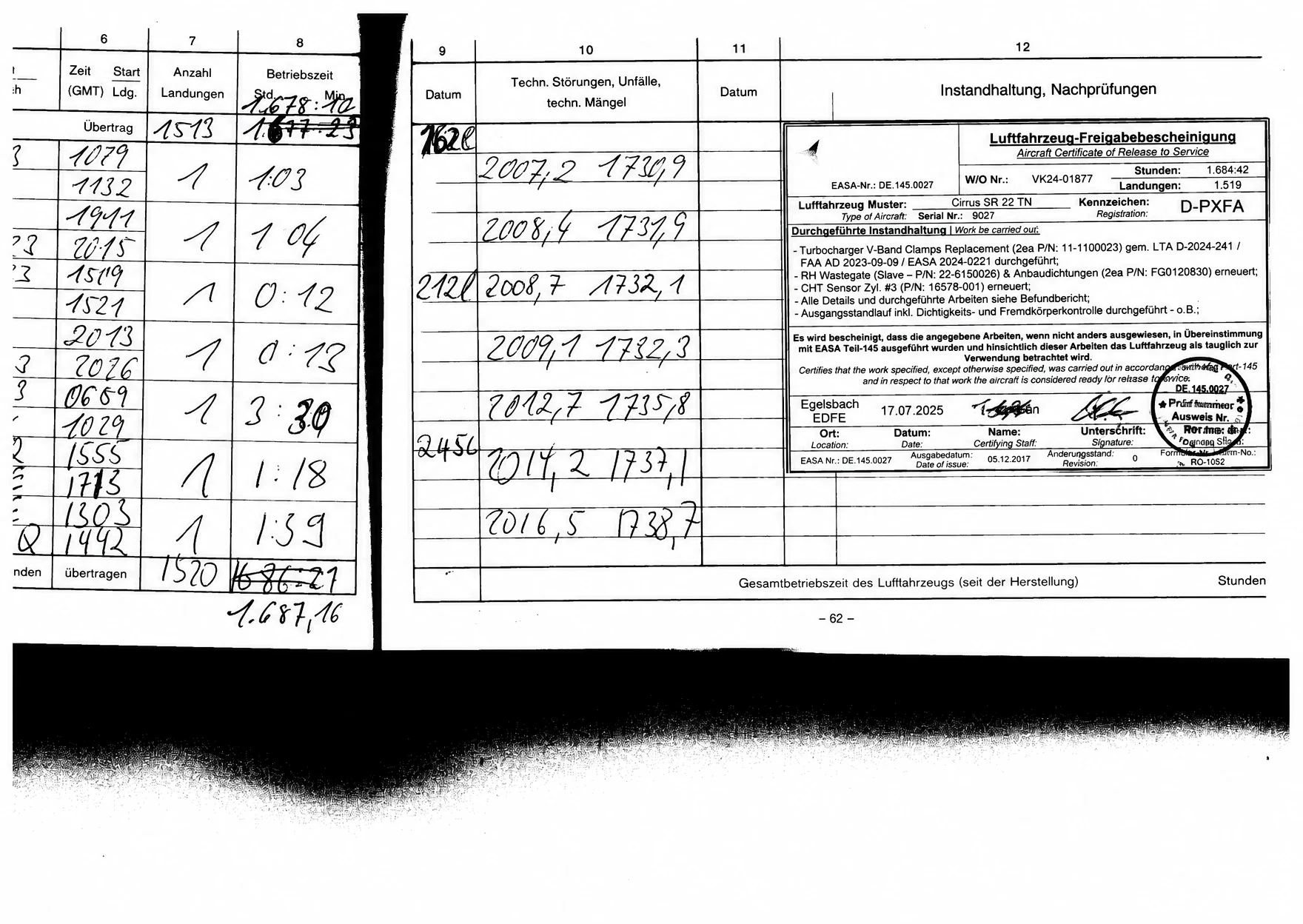
Ask about the part you care about.
“When was the propeller overhauled?” Logbook chat helps you find the answer and the source behind it.
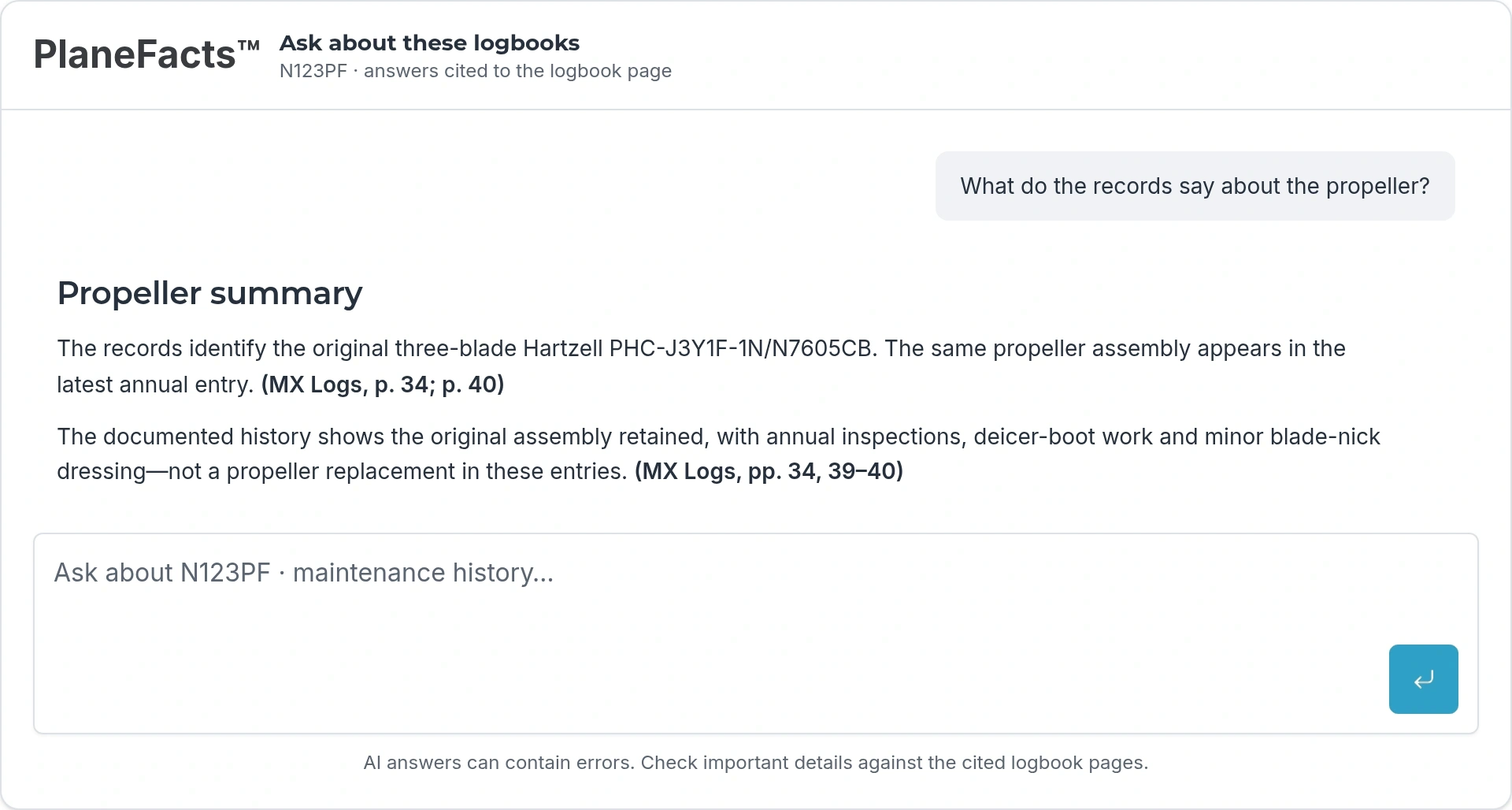
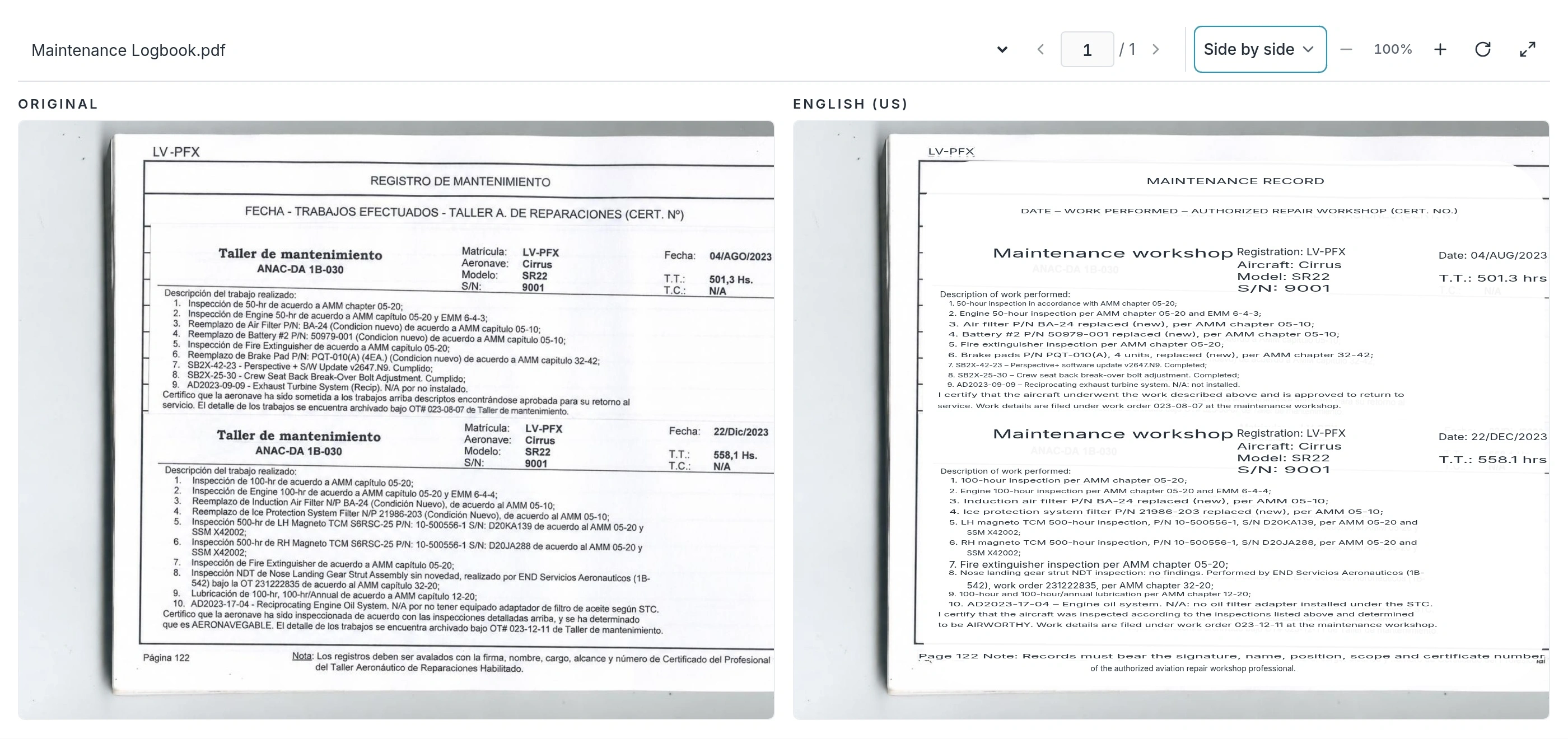
Read across languages.
A side-by-side translation makes it easier to review records from overseas without losing sight of the original entry.